
How Payment Links Help Businesses Get Paid Faster
Learn how invoice payment links reduce friction, improve the customer payment experience, support faster collections, and strengthen business cash flow.
how-payment-links-help-businesses-get-paid-faster
How Payment Links Help Businesses Get Paid Faster
Sending an invoice is only one part of getting paid.
The next step is making payment easy.
Many businesses lose time because customers have to search for payment instructions, request account details, confirm accepted payment methods, or wait for someone to resend a payment link.
Every extra step creates friction.
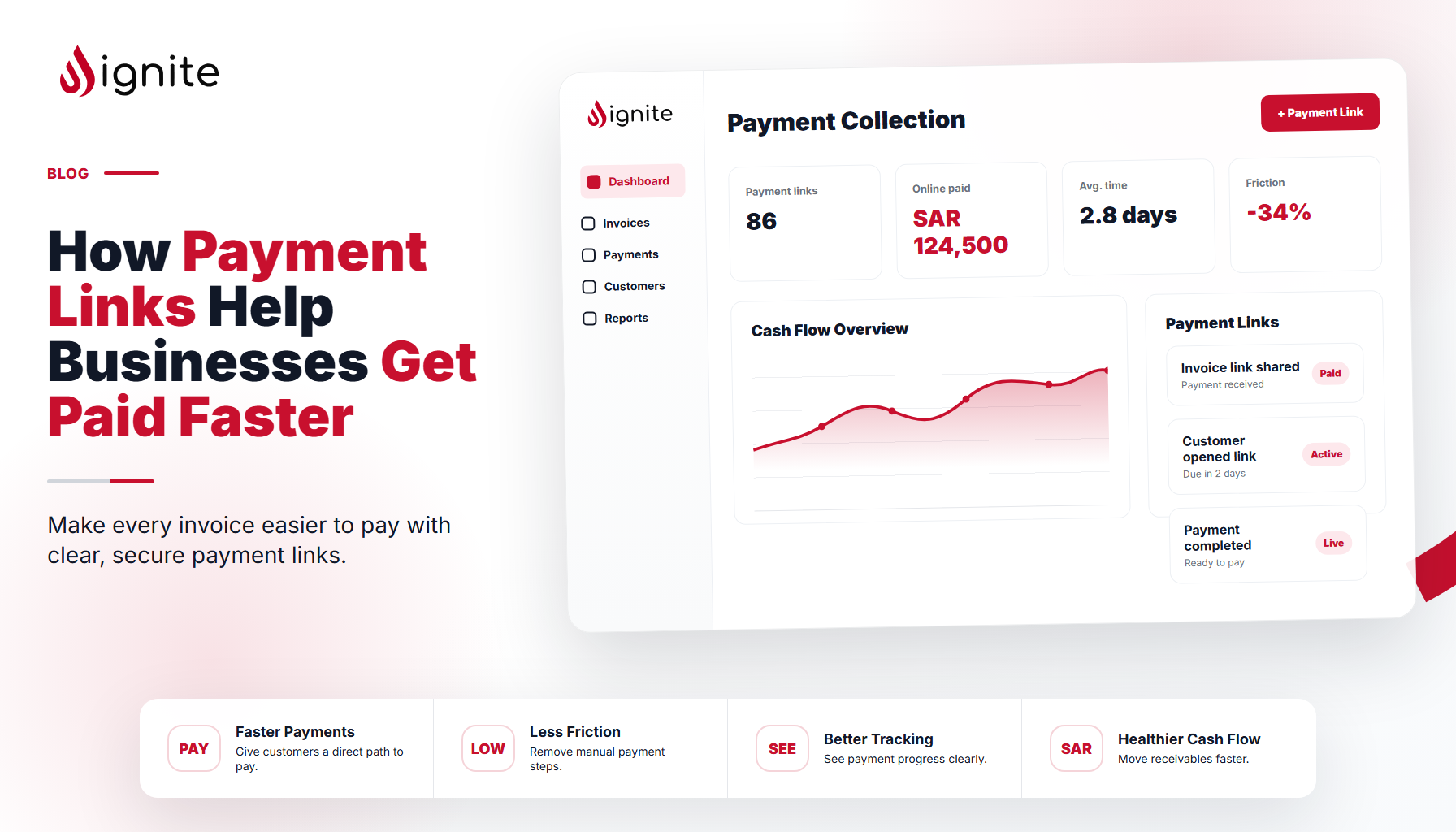
Payment links help remove that friction by giving customers a direct, simple path from invoice review to payment.
What Are Payment Links?
Payment links are clickable links that allow customers to pay an invoice online.
They may appear inside an invoice, email, reminder, or customer portal.
Instead of requiring customers to manually enter payment instructions or contact the business for details, a payment link guides them directly to the payment step.
For customers, this creates a smoother experience.
For businesses, it can reduce delays, questions, and manual follow-up.
Why Payment Friction Delays Collections
Customers are busy.
Even when they intend to pay, delays can happen if the payment process feels unclear or inconvenient.
Common points of friction include:
- Missing payment instructions
- Unclear accepted payment methods
- Manual bank transfer details
- Checks that require extra processing time
- Customers needing to ask follow-up questions
- Invoices that are difficult to pay from a mobile device
The more effort required, the easier it is for payment to be postponed.
Payment links make the next step clear.
Payment Links Improve Customer Experience
A professional billing process should be easy for the customer to complete.
When an invoice includes a clear payment link, the customer does not have to guess what to do next.
They can review the invoice, click the link, and complete payment through the available options.
This improves the customer experience by making billing:
- Clearer
- Faster
- More convenient
- Easier to complete from any device
- Less dependent on manual communication
A better payment experience can also make the business appear more organized and professional.
They Reduce Administrative Back-and-Forth
Without payment links, teams may spend unnecessary time answering questions such as:
- “How do I pay this?”
- “Can you resend the payment instructions?”
- “Do you accept card payments?”
- “Where should I send payment?”
These questions are avoidable when the invoice gives customers a direct payment path.
Payment links reduce the need for repetitive communication and help teams focus on higher-value work.
They Support Faster Payment Decisions
A payment link does not guarantee immediate payment, but it removes a major barrier.
When customers are ready to pay, they should be able to act immediately.
If they have to leave the invoice, search for instructions, or wait for another response, the payment may be delayed.
A clear payment link helps capture payment intent in the moment.
That can support faster collections and more predictable cash flow.
Payment Links Work Best With Clear Invoice Details
Payment links are most effective when combined with a well-structured invoice.
Businesses should make sure every invoice includes:
- Customer name
- Invoice number
- Amount due
- Due date
- Itemized services or products
- Payment terms
- A visible payment button or link
- Contact information for billing questions
The payment link should be easy to find and clearly labeled.
A simple phrase like “Pay Invoice” or “Pay Now” is usually more effective than vague instructions.
Mobile-Friendly Payment Matters
Many customers review emails and invoices from their phones.
If an invoice is difficult to read or pay from a mobile device, payment can be delayed.
Payment links help create a more mobile-friendly billing experience by giving customers a direct route to payment without requiring desktop access or manual steps.
For modern businesses, mobile convenience is no longer a nice-to-have.
It is part of a professional payment experience.
Conclusion
Payment links help businesses make invoices easier to pay.
They reduce friction, improve customer convenience, minimize back-and-forth, and support faster payment action.
For businesses looking to improve cash flow, the goal should be simple:
Make the next step obvious.
When customers can move from invoice to payment with less effort, the entire billing process becomes smoother.
Call to Action
Ignite Invoicing helps businesses send professional invoices with clear payment paths, automated reminders, and better visibility into every stage of the payment process.