

Event technology requirements: a checklist for Saudi organizers
Define registration, access, merchant payments and event-day responsibilities before comparing event technology proposals.
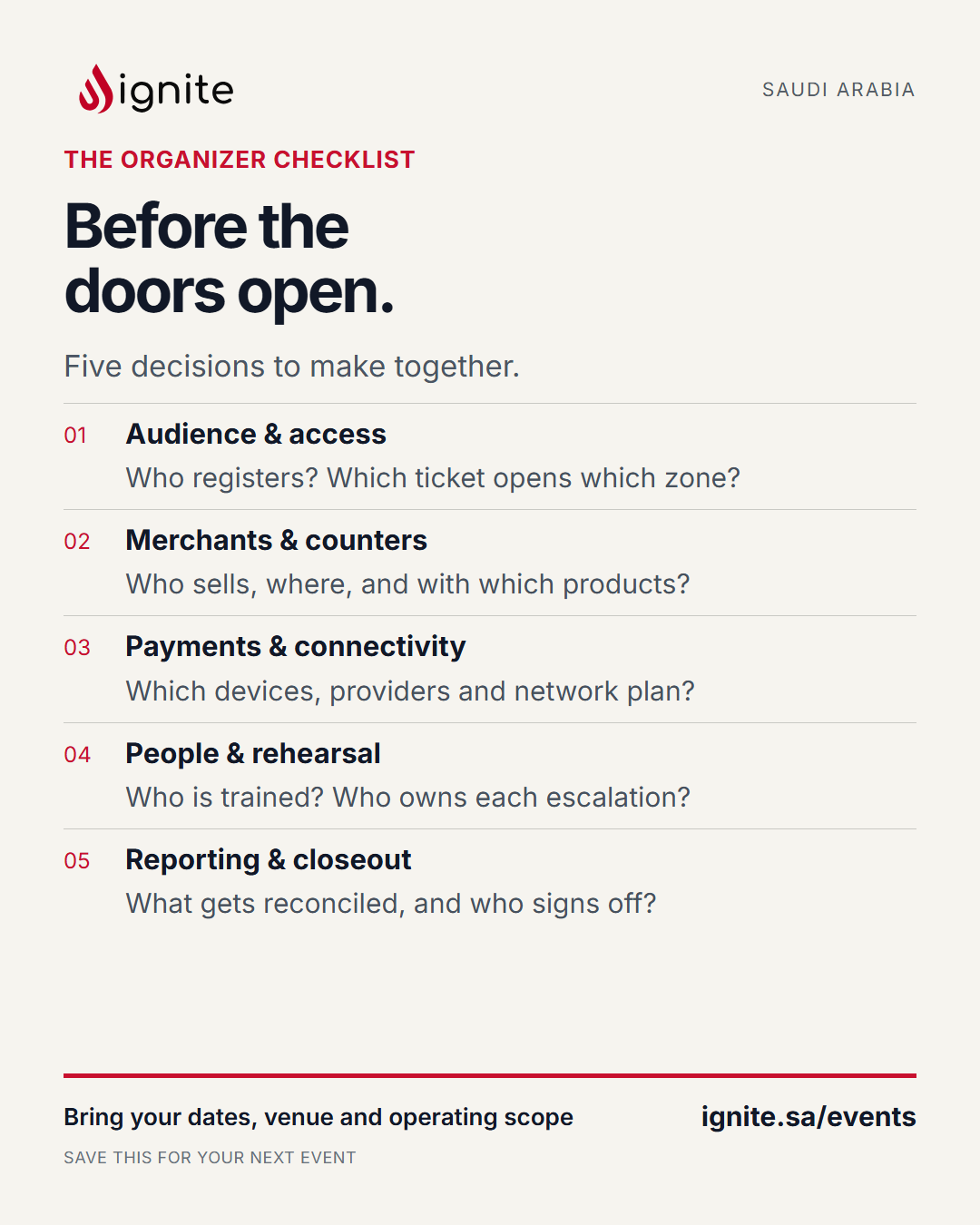
A useful event technology brief describes what must happen when people arrive, enter a session, make a purchase or need help. Start with those decisions before comparing feature lists.
Build your brief around registration, ticketing, commerce, access, exhibitors, reporting and integrations. Assign a decision owner to each area before comparing supplier proposals.
1. Describe the event and its busiest arrival period
Record the dates, venues, audience groups, languages and expected attendance. Separate total attendance from the number you expect to arrive in the busiest period. Mark estimates as estimates. Assign someone to update them when registration data changes.
2. Define a complete registration
For each ticket category, specify required fields, approval steps, payment status and the confirmation a guest receives. Decide who handles corrections and cancellations. Ask the supplier to demonstrate an unfinished registration and a completed registration so staff can distinguish them.
3. Turn access rules into a table
List attendee categories against zones and sessions. State whether a ticket permits repeat entry and how a full session is handled. Include staff and speakers. For QR passes, define what staff see after a scan and who may authorize a reprint or override. Name the person authorized to resolve an exception rather than leaving the gate team to interpret the policy.
4. Give merchant commerce its own workstream
If merchants sell at the event, record selling locations, equipment responsibilities and payment-provider arrangements. Define who handles refunds and which reports the organizer and each merchant need. Walk through a sale whose payment result is unclear. Agree who investigates and how staff avoid charging twice.
5. Write the event-day support plan
List venue contacts, supplier contacts, operating hours and escalation responsibilities. Ask what happens when a device fails, connectivity is interrupted or a guest cannot find a confirmation. Record the agreed fallback and recovery process. Test the actual arrangement instead of treating the word “offline” as an acceptance result.
6. Specify the report you will use after closing
Define registrations, unique arrivals, repeat entries, session attendance and merchant sales separately. Assign an owner to each report and agree the export format and delivery time. Keep attendee information accessible only to the roles that need it, with an agreed retention and removal process.
Use five scenarios to compare proposals
Ask every shortlisted supplier to demonstrate the same situations:
1. A guest registers and receives the correct confirmation. 2. A guest tries to enter an area outside their ticket entitlement. 3. A previously used pass is presented again. 4. A staff device stops working during arrivals. 5. The team produces the agreed closing report.
For each scenario, record the expected result, responsible person, evidence seen and unresolved question. Add the merchant payment exception if commerce is in scope. This gives procurement, operations and suppliers a common basis for deciding what the project includes.
Bring a one-page brief to the first conversation
Include the event date, venue, audience, expected attendance, busiest arrival estimate, ticket categories, merchant count and existing systems. Identify the workflow that matters most and the decision date.
Discuss your event requirements with Ignite. Share the brief so the conversation can focus on your event’s registration, access and commerce needs.